Get paid faster with Autobooks
Take control of your cash flow with Autobooks, an integrated tool that includes everything you need to stay on top of your business. This powerful, built‑in tool transforms your business digital banking into a complete payment and invoicing hub—helping you get paid faster, stay organized, and manage customer activity with ease. Autobooks is included with the Money Mover Suite built for small business and the Impact Savings Suite built for non-profits. Autobooks enables you to accomplish more right from inside your business digital banking.
Create professional invoices
Create custom invoices and estimates in minutes. Add your branding, business information, and logo for a polished, professional look. Send one‑time invoices or set up recurring billing to keep payments coming in on schedule.
Accept digital payments
Offer your customers more ways to pay1. Collect payments customers in-app, online, or on the phone. Easily accept payments with tap-to-pay with iPhone, turning your mobile device into a secure, convenient payment terminal.
Share a secure payment link
Make paying effortless. Share a secure payment link with your customers, allowing them a fast, simple way to pay.
95% of Autobooks users are paid within
five business days after sending an invoice.
Get more done with Autobooks Accounting
Available with select Money Mover Suite packages, Autobooks offers a powerful full-service accounting solution designed for small businesses, integrated right inside your digital banking.
Accounting
Manage business finances with built-in accounting
Every transaction inside a business’ checking account is automatically synced
within Autobooks. In addition, other accounts and credit cards can be linked
from other financial institutions. This means that every transaction will be
accounted for.
-
Connect to your bank account - bank transactions import automatically
-
Import additional transaction data from other bank accounts and credit cards
-
Track income, expenses, sales, and sales tax
-
Create rules to automate bookkeeping
-
Manage tax deductions
-
Share your books with an accountant
-
Manage vendors and vendor payments
-
Create multiple users
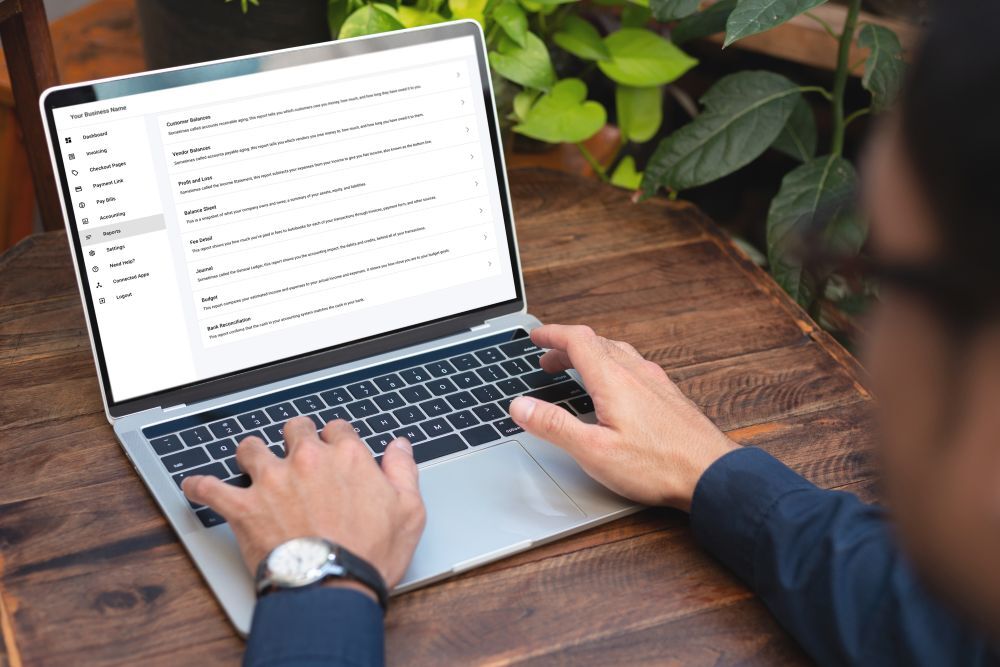
Built-in reporting
Stay up to date with built-in reporting
Make tax time easy with reporting features built right in. Autobooks makes it
easy to generate a wide range of reports.
-
Payment management
-
Sales and Sales Tax
-
Budget
-
Profit/Loss
-
Expense/Fee management
-
Balance sheets
Vist our How-to Hub
Interested in learning more about Autobooks? Visit our How-to Hub for a complete library of demo videos.
How-to Hub
Have a question?
If you have questions or need support, visit the Autobooks support center.
Visit Autobooks1When you accept a card-not-present payment, you will incur a 3.49% transaction fee and for ACH-based payments, a 1% transaction fee. Both fees are competitive to other solutions offered in the market.
Autobooks is a third-party service provider and not an affiliate of Minnwest Bank. Certain restrictions may apply.
Third party message, data, and/or internet service provider rates apply.
Tap to Pay on iPhone requires a supported payment app and the latest version of iOS. Some contactless cards may not be accepted by your payment app. Transaction limits may apply. The contactless Symbol is a trademark owned by and used with permission of EMVCo, LLC. Tap to Pay on iPhone is not available in all markets. For Tap to Pay on iPhone countries and regions, see: https://developer.apple.com/tap-to-pay/regions/.
Apple Pay is a service provided by Apple Payments Services LLC, a subsidiary of Apple Inc. Neither Apple Inc. nor Apple Payments Services LLC is a bank. Any card used in Apple Pay is offered by the card issuer.
Forecasting provides data for informational purposes only. Minnwest Bank does not provide tax, investment, or legal advice